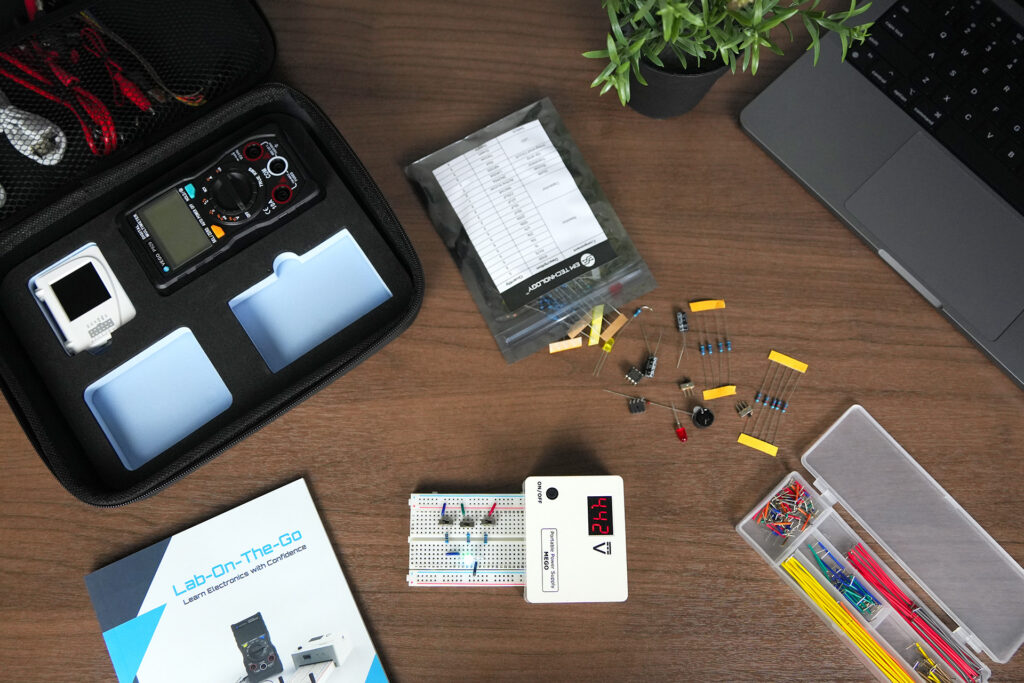
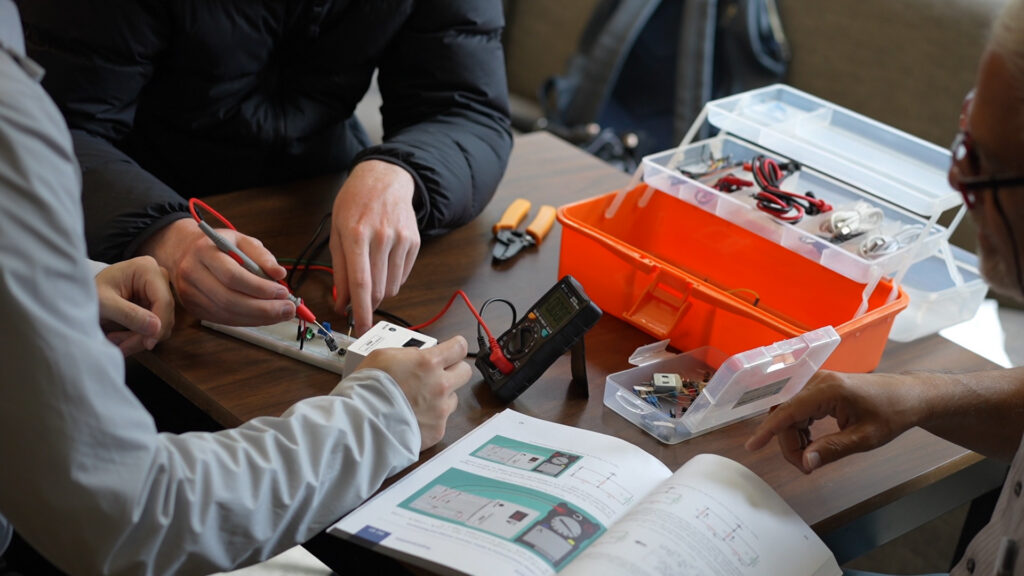
To make an engineering portfolio as a student, pick three or four projects that show different skills, give each one its own page, and document it as a short engineering record: the problem, your design decisions, what you built, how you tested it, and what you would change. For electronics projects, the evidence that sets you apart is measurement, not photos.
Portfolio examples often feature CAD renders and machined parts. Electronics work looks different on the page: a breadboard photo shows almost nothing, while a schematic, a measured waveform, and a note on why the measurement differed from your prediction show a lot.
What is an engineering portfolio, and do students need one?
A resume lists what you did; a portfolio shows the work. Students use one in three situations:
- University applications. Some engineering programs accept a maker or project portfolio as an optional part of an application. Check each program’s application page for whether it is accepted and in what format.
- Co-op and internship applications. A link on your resume gives an interviewer something concrete to ask about.
- Scholarships, competitions, and research positions. A documented project is easier to evaluate than a description.
A portfolio is rarely required. It helps most when you have projects worth discussing that nothing else on your application shows.
What should an electrical or electronics engineering portfolio include?
Each project should answer six questions, findable in under two minutes.
- What problem were you solving? One or two plain sentences.
- What constraints applied? Budget, parts, power source, time, size.
- What did you design, and why? Key decisions and rejected alternatives.
- What did you build? Photos, schematics, and code.
- How did you test it? What you measured, with what instrument, against what prediction.
- What happened, and what would you change? The result, one failure and its fix, and the next version.
The one-page project template: Problem → Constraints → Design → Build → Test → Result → Next version.
Which kinds of evidence matter most for electronics projects?
| Evidence | What it proves | How to capture it |
|---|---|---|
| Schematic | You understand the circuit, not just the wiring | Draw it in a free tool such as KiCad, or neatly by hand, then scan it |
| Predicted vs measured table | You can apply theory and check it | Write the predicted value before you build, then measure, and explain any gap |
| Oscilloscope capture | You can observe how signals behave over time | Screenshot or photograph the screen with the settings visible |
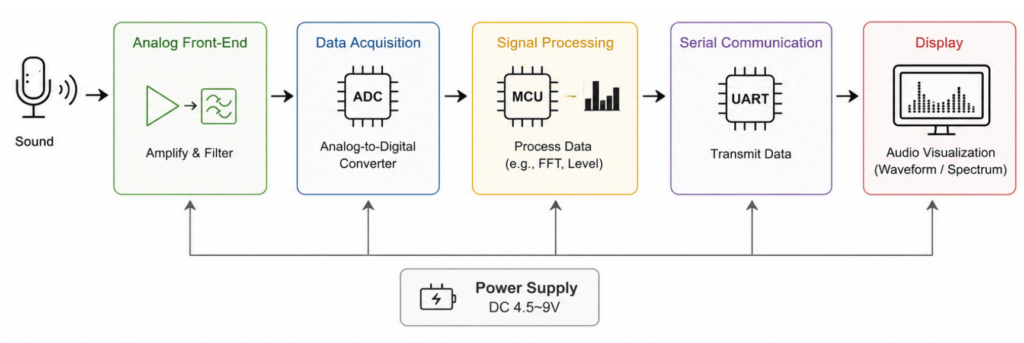
| Block diagram | You can think at the system level | One box per stage, with arrows for signals and power |
| Code excerpt | You can program hardware, not just copy code | Show the 10 to 20 lines that matter, with comments, and link the full code |
| Debugging note | You can find and fix faults | Symptom, what you checked, the cause, and the fix |
| Short video | The project works | 30 to 60 seconds, showing the input changing and the output responding |
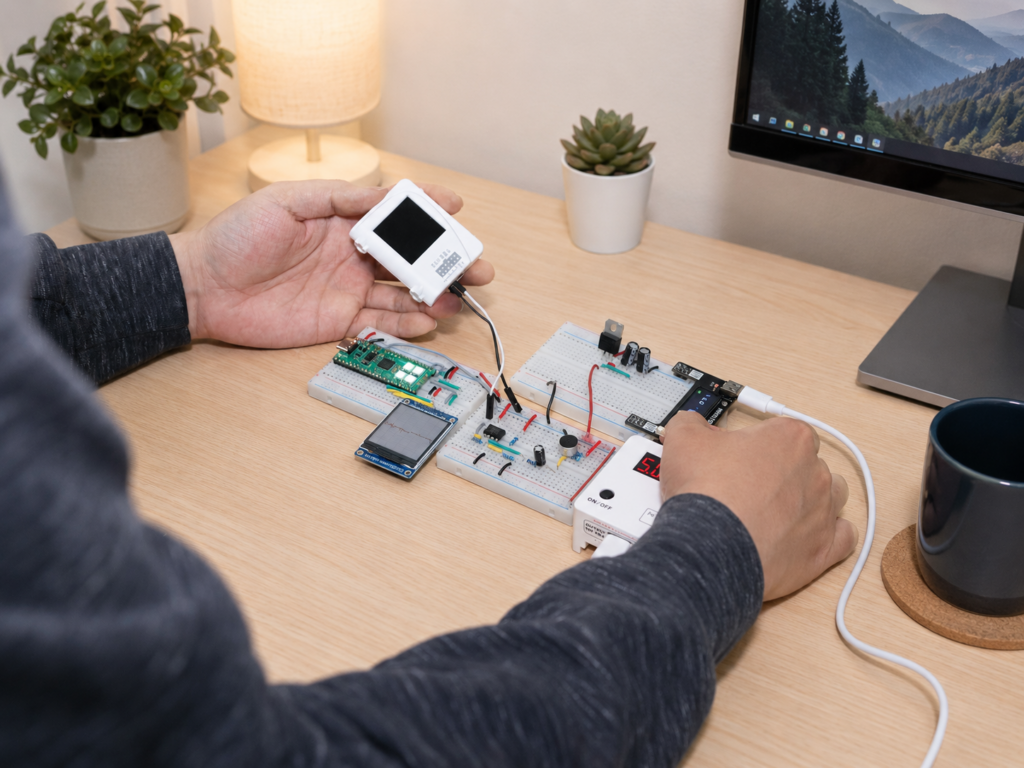
A photo of a finished breadboard is the weakest evidence on this list. Use it, but never on its own.
When a measurement disagrees with theory, say why. Breadboards add stray capacitance and loose contacts, and long jumper wires pick up noise. Naming the cause shows you understand the difference between a circuit on paper and a circuit on the bench.
How should you write up each project?
Keep each project to one screen or one printed page where possible, with detail in an appendix or linked repository.
Lead with the result. One sentence on what the project does and one image of it working. A reader who stops there should still know what you built.
Show decisions, not just steps. “I used a 10 kΩ resistor” is a step. “I chose 10 kΩ to keep the divider current low without loading the sensor” is a decision, and decisions are what reviewers look for.
Quantify where you can. Give measured values with units, compared with what you expected.
Credit your sources and teammates. If you followed a tutorial or worked in a team, say so and state exactly which parts were yours. A known design you modified and measured is still strong work; presenting it as your own invention is not.
Which projects belong in a student engineering portfolio?
Choose projects that, together, show range. By the time you apply for co-op or graduate, a strong set for an electronics student usually includes:
- One analog or circuit project, such as an amplifier or a filter, with measurements.
- One microcontroller project that reads a sensor or controls an output.
- One complete system that combines circuits, a microcontroller, and an output.
- One project you designed yourself, ideally solving a real problem you had.
If you do not have these yet, build them in order: a measured circuit, a microcontroller project, a complete system, then an original design.
If you are just starting, one measured circuit with a schematic, a capture, and a debugging note is enough to begin. Add projects as you build them. Three well-documented projects beat ten thin ones, and anything you cannot explain in an interview should go.
Should your portfolio be a PDF, a website, or a GitHub repository?
| Format | Best for | Watch out for |
|---|---|---|
| PDF (3 to 10 pages) | University applications and email attachments | File size limits on application portals |
| Personal website | Co-op, internship, and job applications | Time spent on design instead of content |
| GitHub repository | Code-heavy projects and full documentation | A long README buries the point; put a summary first |
Many students use two: a short PDF for applications that links to a website or repository with the full detail. In a repository, put a short README at the top that lists the hardware, the wiring or schematic, how to run the code, and one photo or capture of the result.
How is a portfolio for university admissions different from one for co-op or internships?
For admissions, show curiosity, persistence, and growth: what you learned and how your projects got harder over time. Polish matters less than evidence that you did the work yourself.
For co-op and internships, lead with the skills that match the job posting, such as circuit design, measurement, or embedded programming, and be ready to talk through any project in detail.
What mistakes do students make with engineering portfolios?
- Including every project. A long list of half-finished builds hides your best work.
- Skipping the failures. The fault you found and fixed is often the strongest part of the story.
- Writing for yourself. Assume the reader is technical but has two minutes and no context.
- Claiming work that is not yours. Be exact about what you designed, what you adapted, and what you followed.
- Waiting until the deadline. Document as you build. Measurements and debugging notes are hard to reconstruct later.
Where can you find projects and examples to build from?
Disclosure: this article is from EIM Technology, which makes the Fundamental EE Starter (FE11).
EIM’s Project Showcase features an RP2040 audio display system built with the Fundamental EE Starter Kit, and EIM’s real-time audio visualizer project walks through a full signal chain from microphone to display. EIM’s STEM Pioneers magazine publishes student engineering projects, a useful way to see how other students present their work.
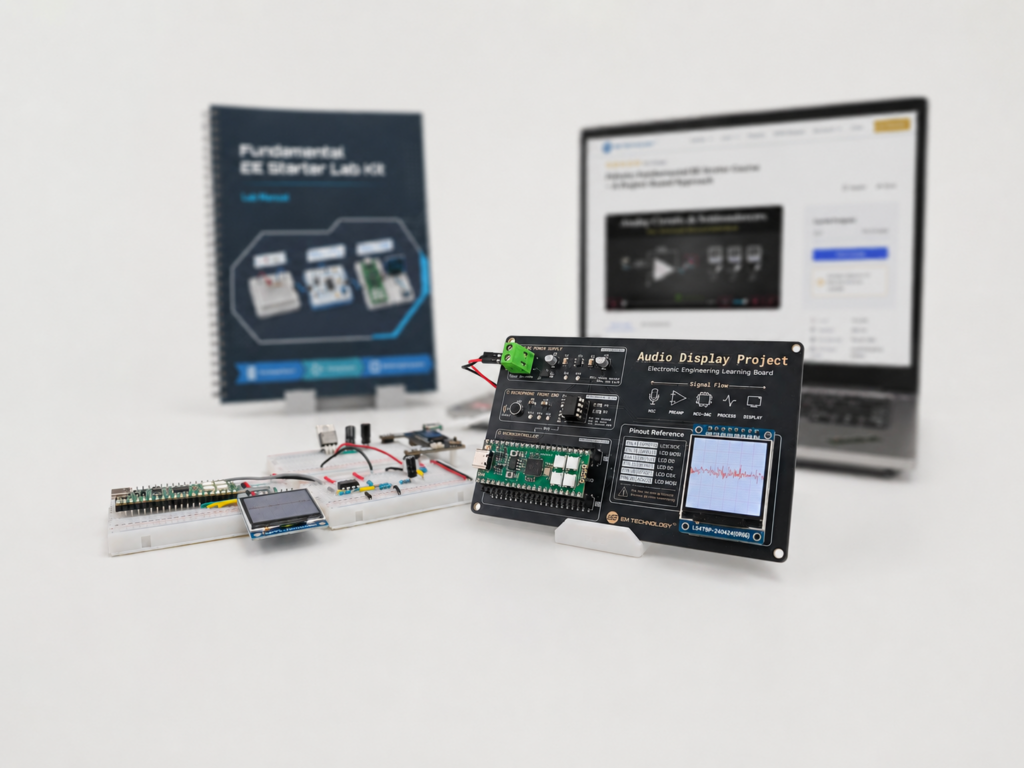
For a structured set of hands-on builds, the Fundamental EE Starter (FE11) connects circuits, analog design, and microcontrollers (RP2040 with MicroPython). You can optionally submit lab results for feedback from the EIM engineering team, and you can document that feedback alongside your own notes.
Why choose a kit instead of loose parts?
- A systematic curriculum. FE11 comes with a printed lab manual and structured online learning materials, so the order is planned for you.
- Dedicated hardware that works together. FE11 includes two sets: through-hole components and ICs for plug-and-play breadboard learning, and a fully soldered surface-mount PCB for more durable applications once you understand the core concepts.
- A path to real applications. The same platform runs an audio oscilloscope, a spectrum analyzer, an interactive particle sandbox, and a guided breathing trainer.
Buy the Fundamental EE Starter (FE11)
If you are still in high school, see Build Before You Study for why building early helps. For the wider learning path, see How to Learn Electronics and Computer Engineering.
Fundamental EE Starter, FE11
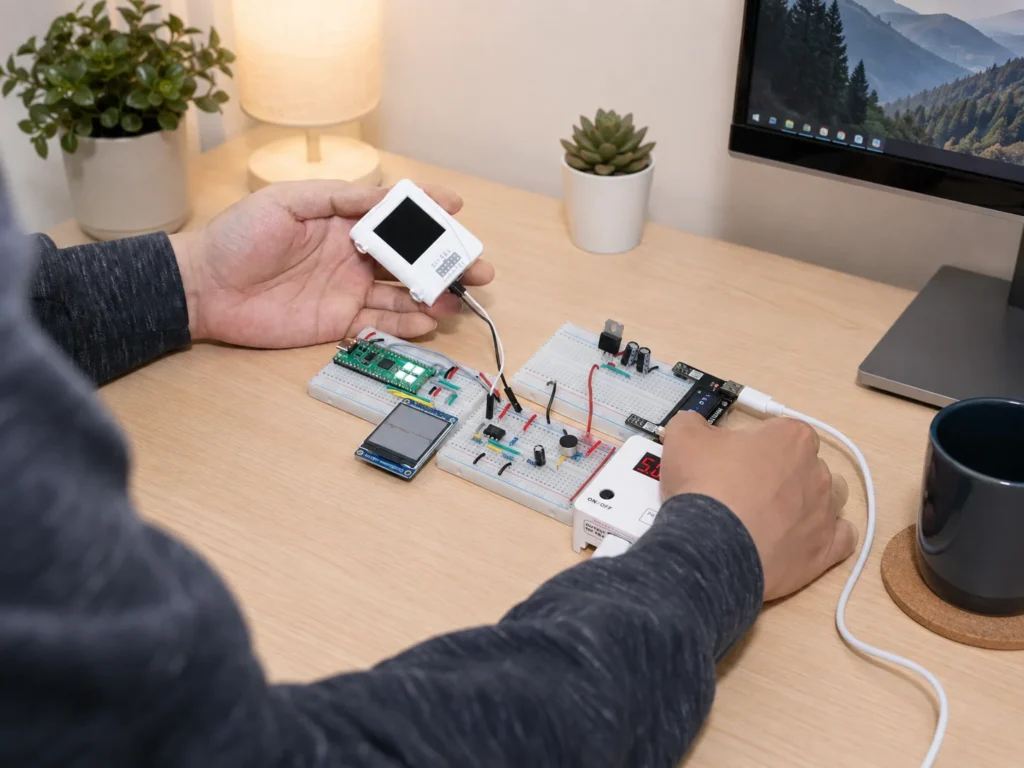
For learners who want a structured way to build that habit, the Fundamental EE Starter kit (FE11) follows one connected path through circuits, analog design, microcontrollers, PCBs, and guided projects, with an online learning platform alongside the hardware. AI can explain each concept along the way, while the kit keeps the learning grounded in real circuits.
Frequently asked questions
How many projects should an engineering portfolio have?
Three or four, chosen to show different skills. For an electronics student, that usually means at least one project with measured analog behaviour and one with a microcontroller. Documentation matters more than the number.
Can high school students have an engineering portfolio?
Yes. Two or three well-documented projects are enough, judged against what a high school student could reasonably build.
What if my projects came from a kit or a tutorial?
Include them, say so, and show what you changed, measured, or extended. Modifying a known design and explaining the result is real engineering work.
What is the best free tool for an engineering portfolio?
Any tool you will keep updated. A PDF exported from a word processor, a free site on Google Sites or GitHub Pages, or a GitHub repository all work. The content matters more than the platform.
Should I put my engineering portfolio on my resume?
Yes. Add a short link near your name or in your projects section, and make sure the first page makes sense with no other context.

EIM TECHNOLOGY
Founder & Engineering Education Innovator
Daniel Cao is the Founder of EIM Technology and holds a Master of Applied Science in Engineering. With experience in engineering research, product development, PCB design, and technical education, he is the author of several books on electronics engineering. His work focuses on developing practical learning systems that integrate engineering hardware, lab instruments, curriculum, and project-based learning. Through EIM Technology, Daniel aims to make electronics and computer engineering more accessible and engaging, helping students build real experience in designing, measuring, testing, and troubleshooting electronic systems.